Description
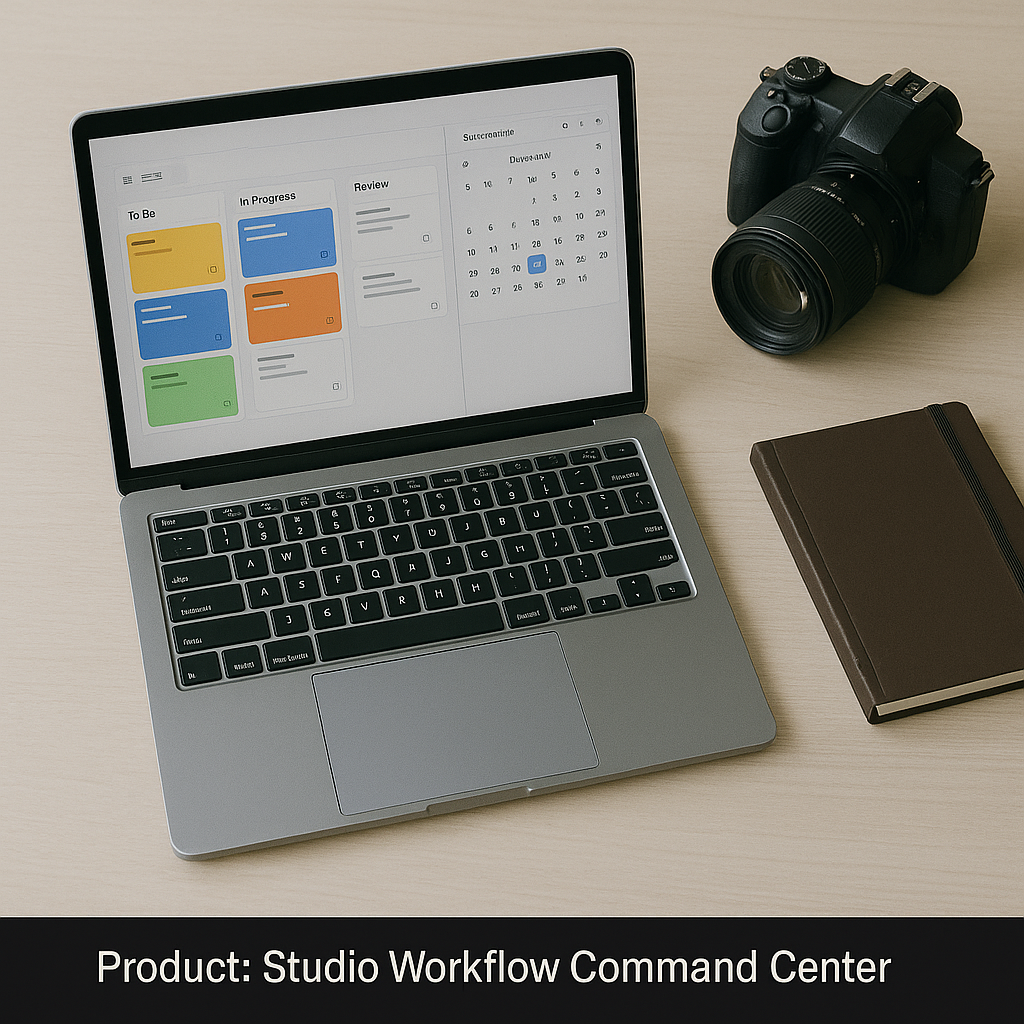
- The Studio Workflow Command Center is a digital operations platform designed specifically for photographic studios that manage multiple clients, multiple shoots, and multiple team members. Instead of keeping bookings, deadlines, and project details scattered across messages and notebooks, you get a centralised dashboard that shows exactly what needs to be done, by whom, and by when.
The system is delivered as both a Notion workspace and a Google Sheets master workbook. Each version includes dedicated areas for leads, confirmed bookings, shoot details, editing progress, invoicing, and revenue tracking. Status tags, conditional formatting, and simple formulas highlight urgent tasks, upcoming sessions, and payments that require follow-up. Calendar and board views turn your workload into a visual overview that is easy to understand at a glance.
Templates inside the Command Center are fully customisable. You can add fields for team roles, makeup artists, prop requirements, or external locations. The idea is to start with a well-thought-out structure that reflects how real studios operate and then refine it to match your own style.
Key Elements Included:
– Notion template with dashboards for Leads, Clients, Shoots, Deliverables, and Finance.
– Google Sheets workbook with interconnected tabs and built-in summary sheets.
– Status pipelines for each project stage, from enquiry to delivery and archive.
– Automatic indicators for upcoming deadlines and overdue items.
– Sample datasets that demonstrate how to use the system effectively.
– A quick setup guide for solo photographers and small teams who are new to structured project management.
Real Studio Use Case:
You are approaching a busy season with overlapping studio and location shoots. Without a central system, it becomes very easy to lose track of which sessions are already edited, which galleries have been sent, and which invoices are still pending. With the Studio Workflow Command Center, you open your dashboard on Monday morning and immediately see: which clients need reminders, which projects are in editing, what needs to be delivered this week, and how much projected revenue is tied to open bookings.
This command center turns your studio into a predictable, data-aware operation rather than a collection of disconnected tasks.
Reviews
There are no reviews yet.